What is SAP Knowledge Graph? | SAP Expert Explains

In this video, Pavithra G K, Head of SAP Knowledge Graph, explains how SAP Knowledge Graph works like a brilliant librarian for enterprise AI. It connects domain knowledge across SAP landscapes and translates it into a common, machine-understandable language, making your business information connected, understandable, and ready for intelligent applications, including SAP’s AI copilot, Joule.

Chapters:
00:00 – SAP as the world’s “business library”
00:27 – What SAP Knowledge Graph does (connects + translates)
00:55 – Example: procurement question for Joule
01:26 – From confident guesses to deterministic answers
02:01 – What customers need to do (SAP manages the graph)
02:17 – Where to learn more (blog + course)

Learn more about SAP Knowledge Graph. 👉 https://sap.to/6055hDzfR

#SAP #BusinessAI #KnowledgeGraph

Why design data breaks your supply chain (and how to fix it) 🔗📊

That problem often starts with disconnected design data. Andreas Madlencnik explains why every product begins with data, and how missing connections lead to inefficiencies, rework, and delays across the supply chain.

Find out how SAP’s solutions for PLM helps fix it. 👉 https://sap.to/6052hDzLQ

Find Out the #1 PLM Mistake Companies Make

Sarah Mei Niesel from SAP had the chance to speak with Rolf, Managing Director of Cideon Software & Services, about the biggest mistake companies make when starting their PLM journey.

Learn more. 👉 https://sap.to/6059C7gRt

Environment, Health, and Safety in SAP Cloud ERP 2602 | Release Highlights

See how SAP Cloud ERP 2602 strengthens Environment, Health, and Safety (EHS) with smarter inspections, streamlined investigations, automated UK regulatory reporting, and clearer compliance insights—helping teams stay proactive, reduce risk, and support operational excellence.

In this highlight tour, Claudia and her digital twin walk through four EHS innovations designed to simplify day-to-day safety work: plan and execute inspections end-to-end (including mobile), keep investigations moving with a consolidated overview, automate UK incident reporting where required, and spot compliance risk faster with new operational insights.

🔍 End-to-end EHS inspections (incl. mobile) — Plan and execute inspections with checklists and ad hoc inspections, document findings, and manage corrective and preventive actions, all in one integrated process.

🕵️ Investigation overview dashboard — Track milestones, responsibilities, open actions, and root causes (with or without recommendations) in a single view to accelerate root-cause analysis and prevent repeat incidents.

🇬🇧 UK regulatory reporting for RIDDOR & BSA — When an incident qualifies, the system automatically determines reporting duties, creates required artefacts, attaches them to the investigation, and sends email notifications, supporting timely, auditable submissions.

📊 Operational compliance insights — New insight cards like Overdue Tasks and Overdue & Due Tasks per Location help you spot risks fast and jump straight into task lists to take action.

Chapters:
00:00 – Welcome & introduction
00:30 – End-to-end EHS inspection planning & execution
01:10 – Investigation overview dashboard
02:05 – UK Incident reporting: RIDDOR & BSA automation
02:57 – Operational compliance overview enhancements
03:42 – Summary & invitation to community

• Read more about the latest Environment, Health, and Safety innovations in SAP Cloud ERP 2602: https://sap.to/6057hB8IP
• Check out the SAP Cloud ERP Community: https://sap.to/6055CIrvT

• Explore SAP Cloud ERP innovations: https://sap.to/6056CIrvp

#SAPCloudERP #EHS #ERP

Finance in SAP Cloud ERP 2602 | Release Highlights

Discover how SAP Cloud ERP 2602 transforms Finance operations with agentic AI for accruals and a powerful new actual liquidity analysis, helping finance teams work faster, reduce manual effort, and gain clearer cash flow visibility.

In this highlight tour, Alina and her digital twin walk through two innovations from General Ledger Accounting and Cash and Liquidity Management. Together, they modernize period-end work and make it easier to understand where cash comes from and how it’s used, supported by transparent reasoning and drill-down traceability.

🤖 General Ledger Accounting – Accounting Accruals Agent — Agentic AI interprets accounting policy documents, pulls historical data, performs calculations, and generates accrual proposals automatically. Accountants review and post proposals in the new Manage Accrual Proposals app, complete with clear rationales behind each amount (generally available with 2602.1).

💧 Actual Liquidity Analysis — Get a standardized view of cash flows with balances, FX effects, and period summaries—plus drill-down to Check Cash Flow Items for full traceability.

Chapters:
00:00 – Welcome & introduction
00:26 – Accounting Accruals Agent (General Ledger Accounting)
01:44 – Actual Liquidity Analysis (Cash & Liquidity Management)
03:00 – Summary & community invitation

• Read more about the latest Finance innovations in SAP Cloud ERP 2602: https://sap.to/6056h6htG
• Check out the SAP Cloud ERP Community: https://sap.to/6055CIrvT

• Explore SAP Cloud ERP innovations: https://sap.to/6056CIrvp

#SAPCloudERP #Finance #SAPBusinessAI #ERP

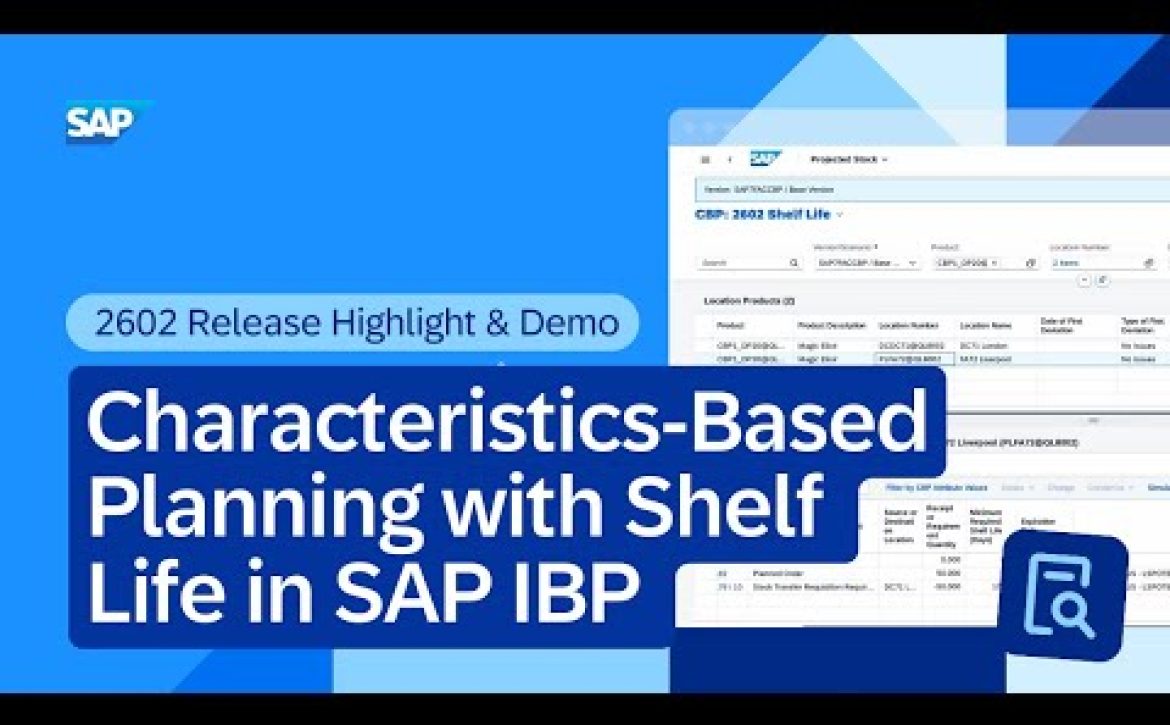
Characteristics-Based Planning with Shelf Life in SAP IBP | 2602 Release Highlight & Demo

Learn how SAP IBP 2602 streamlines complex inventory decisions with characteristics-based planning (CBP) and shelf life, so planners can meet compliance requirements while protecting product quality and reducing waste from expired stock.

In this highlight tour, you’ll see a real planning scenario where demand requires specific CBP attributes (market qualification and potency) plus a minimum remaining shelf life. Instead of running separate checks and making risky trade-offs, the planning run evaluates all constraints at once, automatically selecting suitable inventory and creating the right supply to fulfill demand.

🧬 Plan with CBP attributes + shelf life together — Link demand to a specific attribute combination (for example, market qualification and potency) with a required minimum remaining shelf life.

📦 Automatically identify suitable batches — The system considers batch qualification and remaining shelf life to select inventory that meets both compliance and quality needs.

⚙️ One run, all constraints — A single supply planning run evaluates constraints simultaneously and can trigger new compliant supply (for example, stock transfer requisitions and planned orders) with shelf-life parameters applied.

Chapters:
00:00 – Introduction: CBP with shelf life
00:18 – Scenario + requirements (market + potency + 100 days)
00:46 – Forecast includes CBP + shelf life constraint
00:57 – Stock details: which batches qualify
01:47 – Run supply planning: constraints evaluated together
02:10 – Results: STR created + compliant supply
02:24 – Order network: how demand is fulfilled
03:15 – Wrap-up: compliance + optimal utilization

• What’s new (Help Portal): https://sap.to/6059hBRgF

• Learn more about SAP Integrated Business Planning: https://sap.to/6053cGTA3

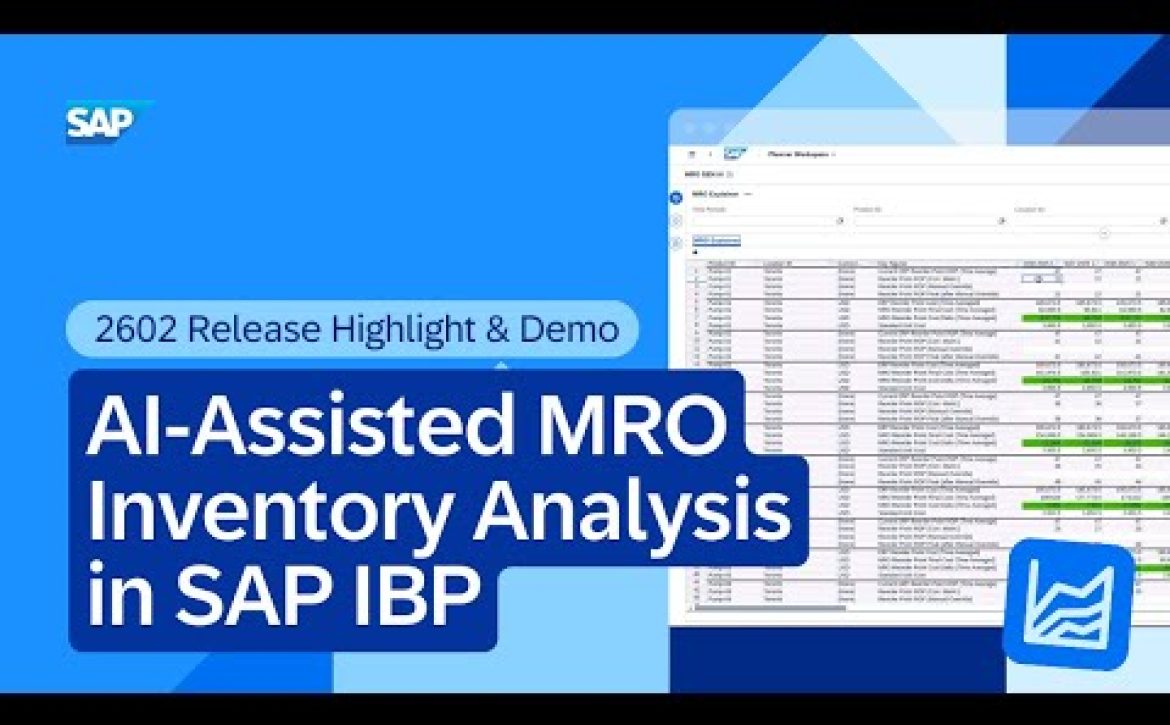
AI-Assisted MRO Inventory Analysis in SAP IBP | 2602 Release Highlight & Demo

Discover how AI-assisted MRO inventory analysis in SAP Integrated Business Planning (SAP IBP) 2602 streamlines the validation of MRO inventory planning results, helping planners build trust in key parameters like safety stock, reorder points, and target inventory positions with less manual investigation.

In this highlight tour, you’ll see how the new analysis experience brings results, drivers, and relevant inputs into a single view, so maintenance, repair, and operations (MRO) planners can move from “fact-finding” to confident decision-making faster, keeping maintenance supply chains running efficiently.

🤖 AI-assisted validation in one view — Get a clear summary of optimized results plus MRO-specific analysis that accounts for the factors behind the planning run, explained in business-friendly language.

🖱️ Faster access from where you work — Launch the analysis with a simple right-click in Planner Workspace or the SAP IBP add-in for Microsoft Excel, then accept results in a single action.

🔎 Less guesswork, fewer context switches — See key inputs and settings (like service level, lead time, and part demand) in one place, reducing time-consuming digging across windows, profiles, and configurations.

Chapters:
00:00 – Scenario: validating MRO planning results
00:54 – Introducing AI-assisted MRO inventory analysis (2602)
01:07 – Launch from Planner Workspace or Excel add-in
01:22 – Summary + MRO-specific analysis explained
01:44 – One view for settings and inputs
01:58 – Wrap-up: faster, more confident decisions

• What’s new (Help Portal): https://sap.to/6050hBRom

• Learn more about SAP Integrated Business Planning: https://sap.to/6053cGTA3

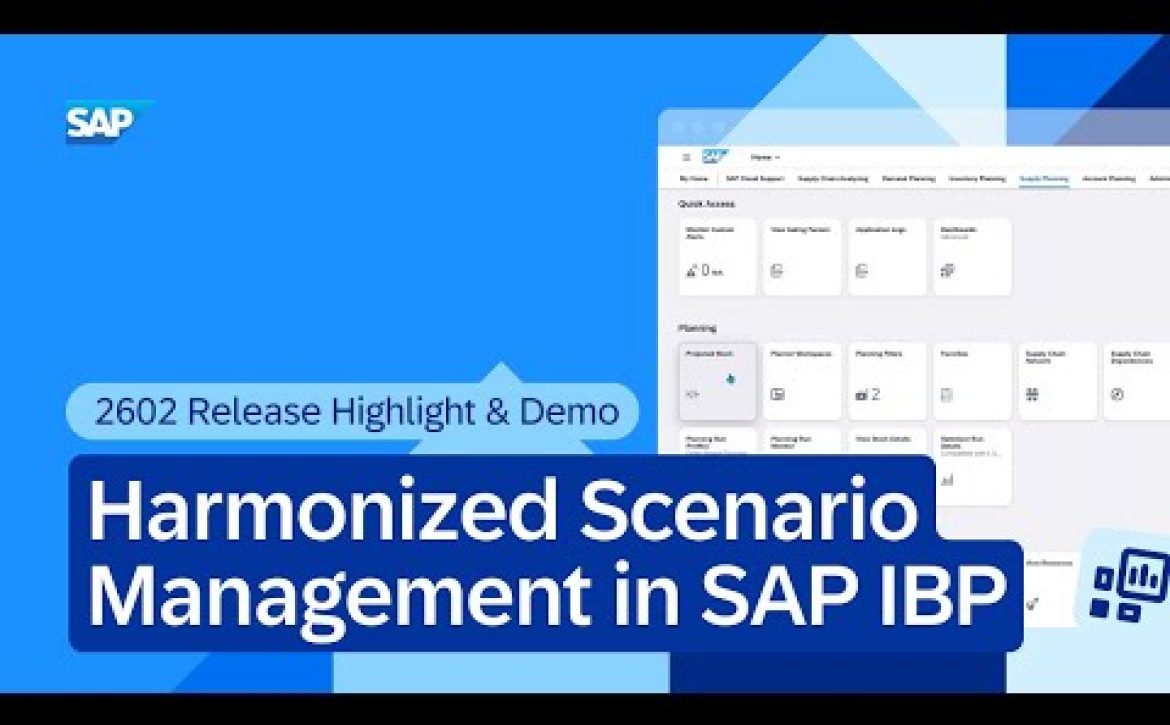
Harmonized Scenario Management in SAP IBP | 2602 Release Highlight & Demo

Discover harmonized scenario management in SAP IBP 2602: a new approach that unifies scenario planning across key figures (time series) and orders in one seamless workflow.

In this highlight tour, you’ll see a complete end-to-end scenario cycle driven from Planner Workspace: create a scenario (without running a simulation first), plan changes across demand and supply, run planning jobs that consider all scenario changes, compare outcomes, and promote results back to baseline. The result is a simpler way to test options. Move forward with confidence without juggling separate scenario types.

🧩 One scenario for key figures + orders — Work with time series planning data and order changes together to create a truly harmonized scenario.

🗓️ Better scenario lifecycle control — Create scenarios directly (no simulation required) and use a scheduled deletion date to manage scenario cleanup.

⚙️ Plan, simulate, and save, on top of scenarios — Run simulations on existing scenarios and choose to discard changes, save to another scenario, or save back to the current one.

🚀 Promote scenarios back to baseline (now for orders too) — Promote both key figure results and order data to baseline, and choose whether to promote all planning results or only interactive changes.

Chapters:
00:10 – What’s new: harmonized scenario management
00:29 – End-to-end scenario cycle in Planner Workspace
00:54 – Create a scenario (no simulation needed)
01:18 – Add order changes inside the scenario
01:43 – Run simulations on top of scenarios
01:56 – Execute planning run with scenario supply
02:14 – View order details in Planner Workspace
02:45 – Promote scenario to baseline (key figures + orders)
03:10 – Confirm changes promoted

• What’s new (Help Portal): https://sap.to/6051hBRlN

• Learn more about SAP Integrated Business Planning: https://sap.to/6053cGTA3

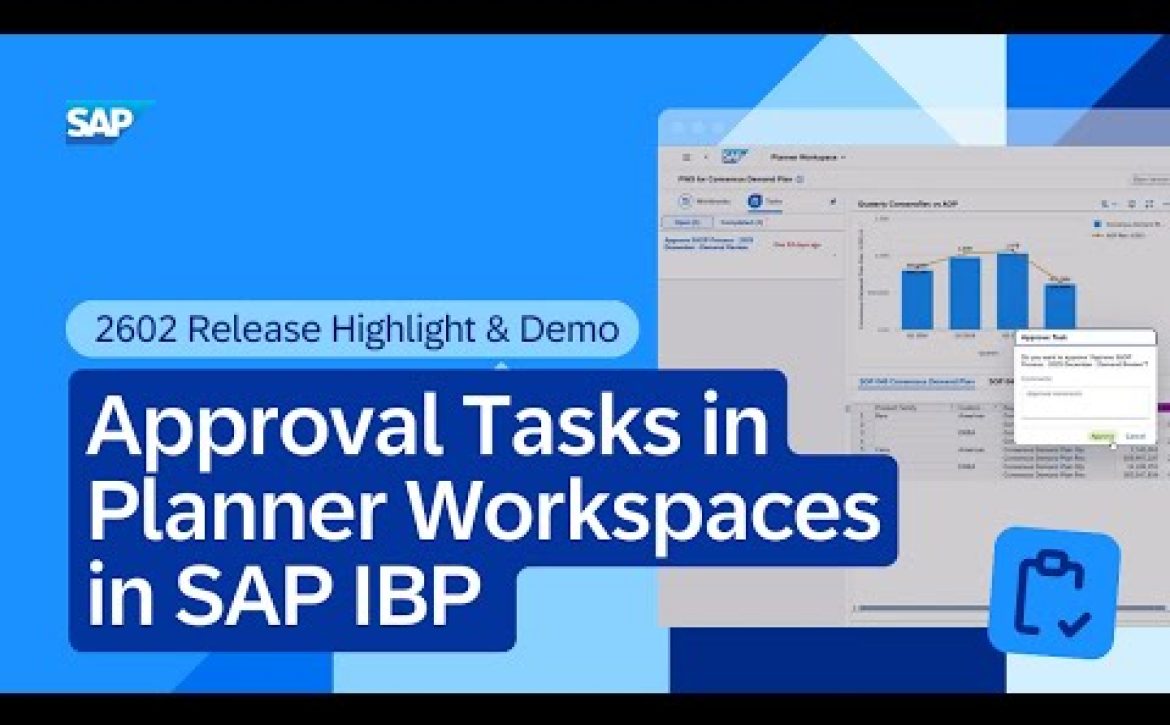
Approval Tasks in Planner Workspaces in SAP IBP | 2602 Release Highlight & Demo

See how SAP IBP 2602 makes planning approvals smarter and simpler by bringing approval tasks directly into the Planner Workspaces app, so you can manage S&OP sign-offs without switching applications.

In this highlight tour, you’ll see how approval workflows can be handled end-to-end inside SAP IBP: business process owners configure the right workbook as the approval context, managers review aggregated KPIs and charts, and approvals move the process forward, all within the planning environment. This helps teams implement dual control more easily and keep monthly S&OP cycles running smoothly.

✅ Approvals inside Planner Workspaces — Approve or reject SAP IBP workflows directly in the planning environment—no need to switch to SAP Build Process Automation.

📊 Right context for the right approver — Configure workbooks to show aggregated data at the level managers need, so decisions are informed and fast.

🔁 Seamless workflow progression — Approval tasks arrive in Planner Workspaces with full business context, completed tasks are tracked, and the process automatically continues to the next step after sign-off.

Chapters:
00:00 – What’s new in IBP 2602 approvals
00:07 – Approval tasks inside Planner Workspaces
00:31 – Full business context shown in workbooks
00:56 – Configure approval context via workbook selection
01:20 – Process step moves to “In Approval”
01:36 – Manager reviews & approves in Planner Workspaces
01:49 – Completed tasks + process continues
02:14 – Wrap-up: dual control made simple

• What’s new (Help Portal): https://sap.to/6058hBRjC

• Learn more about SAP Integrated Business Planning: https://sap.to/6053cGTA3

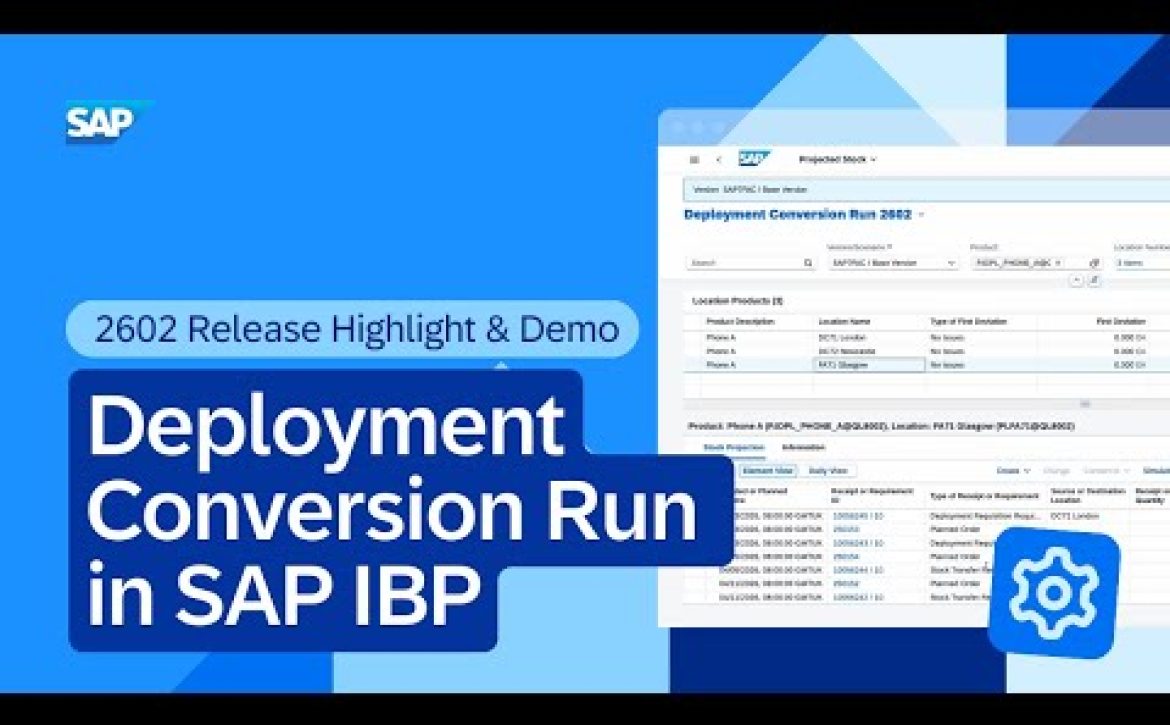
Deployment Conversion Run in SAP IBP | 2602 Release Highlight & Demo

earn how SAP IBP 2602 introduces a new deployment conversion run that converts stock transfer requisitions (STRs) into deployment requisitions with advanced control and flexibility, helping you make more data-driven deployment decisions based on available-to-deploy (ATD) quantities and planning horizons.

In this highlight tour, you’ll see how the deployment conversion run uses your existing supply plan to allocate limited ATD supply across the network. With configurable demand and supply horizons (plus additional parameters like offsets and prioritization rules), teams can control which STRs are eligible for conversion and how fair-share situations are handled.

🔄 Convert STRs to deployment requisitions with ATD logic — Use a dedicated deployment algorithm to decide which STRs are best suited for execution, based on restricted ATD quantities.

🧭 New ATD horizons for better control — Maintain demand and supply horizons (for example, 50 days) to limit which STRs can be converted and which demand/supply elements impact ATD in the ship-from location.

⚙️ Configurable conversion parameters — Set planning start date, backward offsets, scope filters, fair-share rules (“Propagate ATD By”), prioritization options, and splitting settings—so deployment aligns with business priorities.

📈 Clear results review in Projected Stock — See which STRs were converted (and why others weren’t) based on your defined horizons and ATD availability.

Chapters:
00:00 – Introduction: deployment conversion run
00:32 – Scenario setup after supply planning (STRs created)
00:55 – ATD profile enhancements: demand & supply horizons
01:46 – Deployment conversion run job template + key parameters
03:34 – Execute the conversion run
03:38 – Review results in Projected Stock
04:22 – Wrap-up: flexibility + reliability

• What’s new (Help Portal): https://sap.to/6052hBRwr

• Learn more about SAP Integrated Business Planning: https://sap.to/6053cGTA3

Previous Next
Close
Test Caption
Test Description goes like this